

Free beta by application — limited places.
Join the betaCulled and edited, the whole series
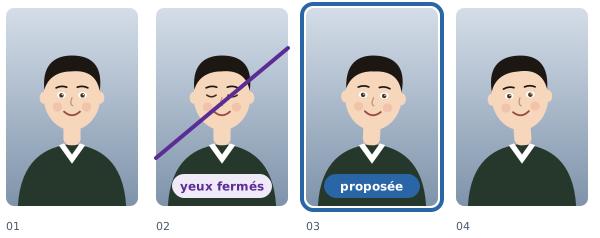
Two or three shots per student: the software keeps the best one, then adjusts it like the rest of the series. The original is never changed.
How it works
Cull all
One action culls the whole class.
The edit follows
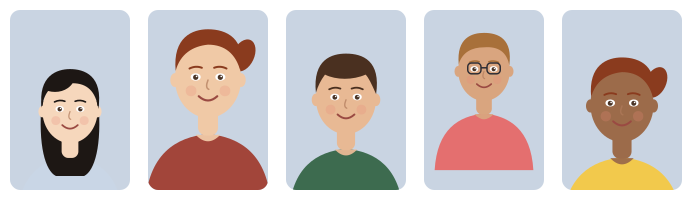
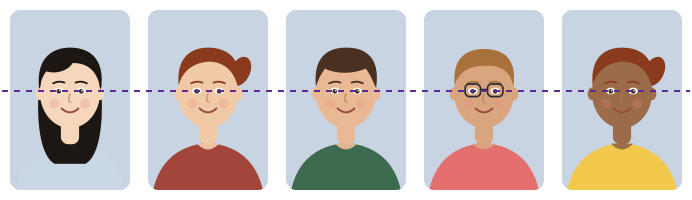
Light, crop and straightening set once, applied to the whole series.
Your choice wins
A box you tick by hand is never undone by the software.
- Data handled with care. Only the data that is needed is asked for, and every named export is logged.
- Hosted in France. Your students' details and your photos stay on servers in France.
- Designed in France. Designed and run by PIXIEL, in Vendée, France.
Frequently asked questions
Does culling happen during the session?
It can, but you never have to. Most photographers cull in the evening, in the software or online.
Are my photos changed?
Never: the edit is a recipe applied at export or print time. You can go back at any moment.
How many shots should I keep per student?
You set the number of shots per student; culling takes it into account.
Find out more
Culling and editing school photos, together: the best shots kept, doubts shown, then a whole series cropped and lit with one adjustment. The original is never changed.